

CanvaCraft AI Pricing
Plans and pricing
Monthly plans and one-time credit packs for images and video. These credits belong to CanvaCraft AI and are separate from Canva.
Purchases are not open yetExplore the tools ↗
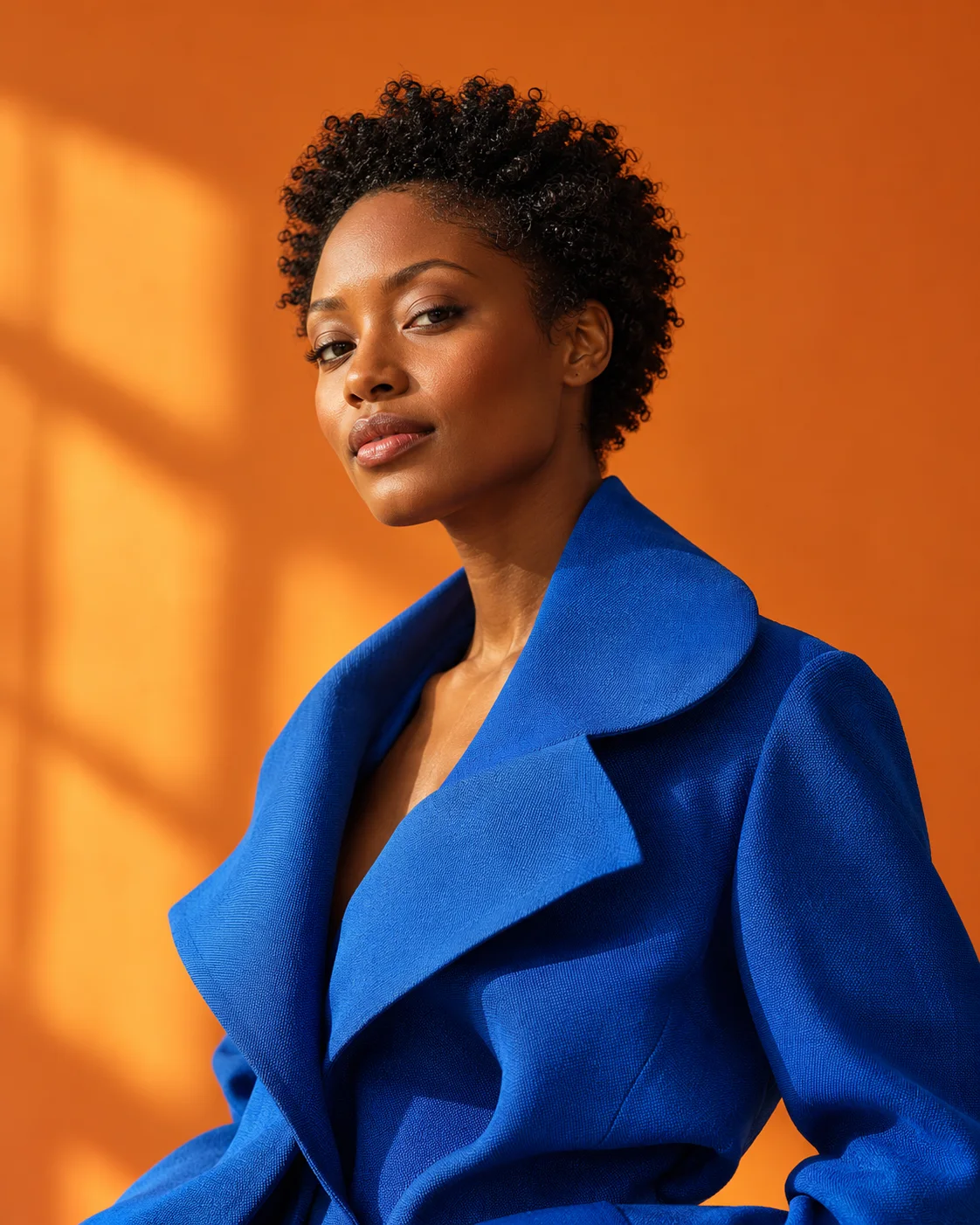 Image concepts
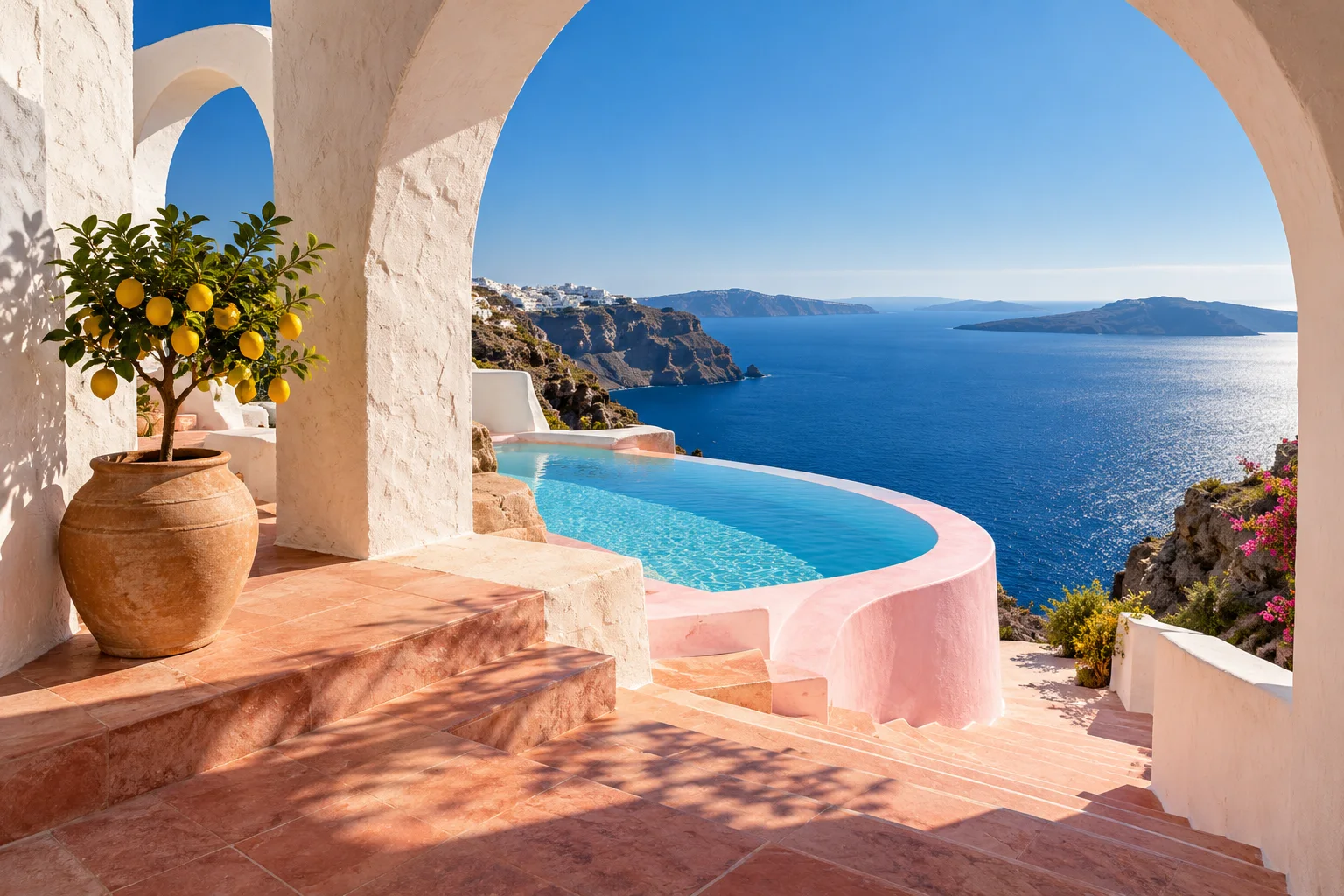 Video ideas
 Editable designs
Why Pro? A 600-credit monthly budget for recurring projects, with a lower price per credit than Basic.
Use your credits across tools. Actual usage varies by model and settings. See the exact credit quote before you generate.
How estimates are calculated
Nano Banana 2.1 · 1K: 5 credits / image
Wan 3.0 · 720p · 5 seconds · audio on: 40 credits / video
Each example assumes you spend the full credit balance on one output type. These are catalog reference estimates; configured models and prices may vary.
One workspace. Your whole creative process.
Every plan uses the same creative tools. Choose the credit budget that fits your work.
Image, video, and design tools
Choose model, format, and output settings
Private inputs, outputs, and creation history
Design templates and local editing without generation credits
Know what you are paying for.
The workspace shows a credit quote before you submit. Credits are reserved when a task starts, settled on success, and released on a confirmed failure. A submission with an unknown outcome remains reserved while it is reviewed.
Local creative editing does not use generation credits. A credit pack adds to your balance without starting a subscription.
Frequently asked questions.
How do credits work?
AI tools show an estimated credit cost before submission. A pending request reserves credits. Completed requests use the accepted quote; confirmed failures release the reservation. Costs vary by model and settings.
Can I use the browser tools for free?
The layered canvas, scene blockout, pose reference, frame extractor and Moodboard run in your browser without spending generation credits.
Which AI models can I use?
Use the model selector to compare image, video, voiceover and 3D options. Supported settings and credit costs depend on the selected model.
Are my creations private?
Generated assets belong to your account and require authentication to view or download. Local editor projects stay on this device. Save copies of important work.
Can I choose monthly billing or credit packs?
The existing plans support monthly and annual subscriptions and one-time credit packs. Annual cards show both the monthly equivalent and the full yearly charge. Review your plan and the full charge before checkout.
Is this the official Canva Craft service?
No. CanvaCraft AI is independent and not affiliated with Canva. Our generator uses separate Studio models and does not run Canva Craft. Use canva.com for the official model.