

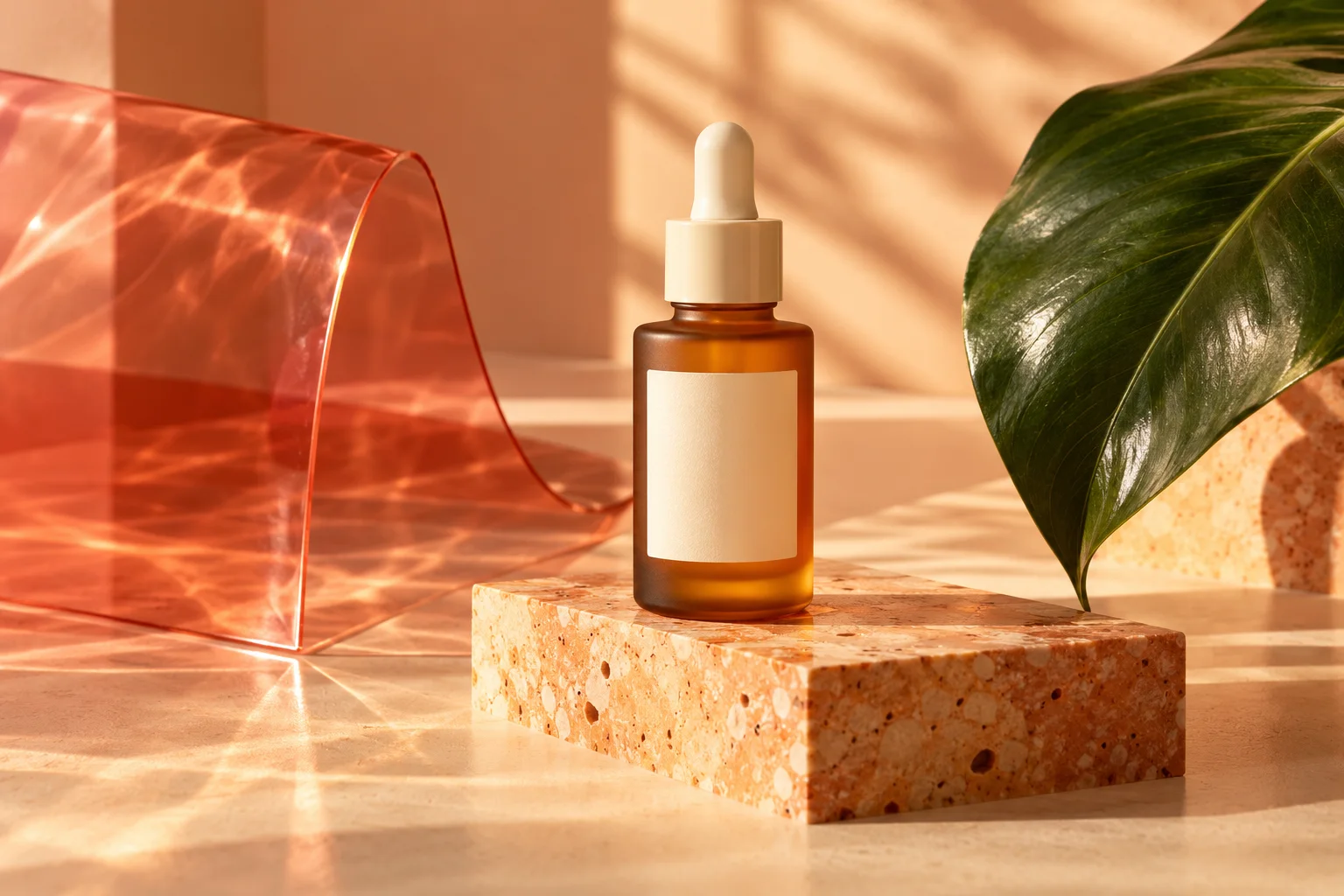
Product photography
ProductsView the prompt
An unbranded amber skincare bottle on apricot stone, coral glass and a single green leaf. Warm window light, tactile materials, refined editorial product photography. Leave room for a short headline.
Independent guide & creative workspace
Explore Canva Craft, find image inspiration, and create with independent AI models. Make each image your own in our design editor.
Independent site, not affiliated with, endorsed by, or sponsored by Canva Pty Ltd. Canva and Canva Craft are trademarks of their respective owners. Our generator uses separate models and does not run Canva Craft. About Canva Craft
Text to image
Writing a Canva Craft prompt? Name the subject, setting and visual style. For a coastal courtyard, specify the architecture, light and mood. You can adapt the same brief to our independent models.
Choose from each model’s supported aspect ratios, resolutions and reference options. Review the current credit quote before submitting, then keep the result you want to use.
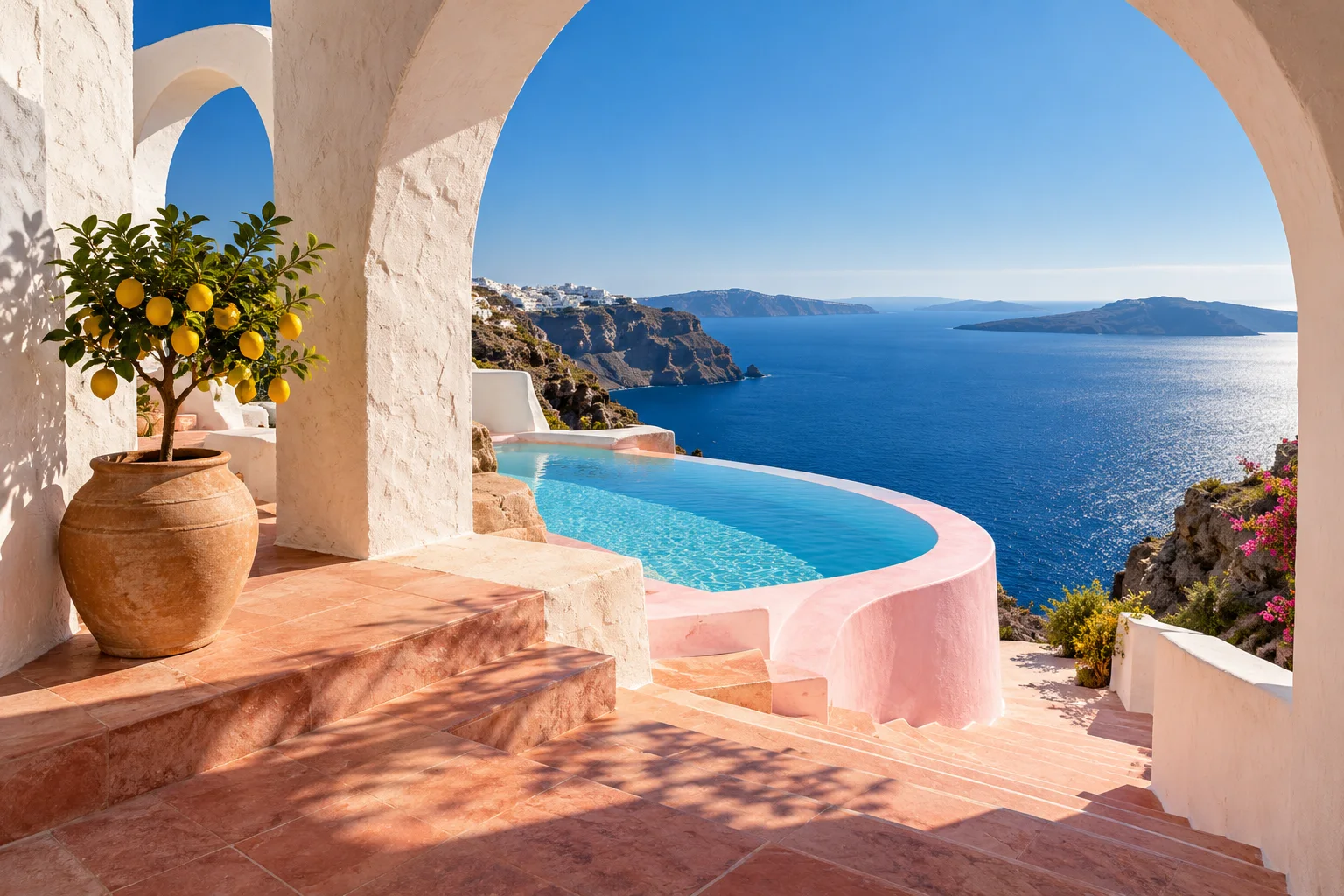
Image editing
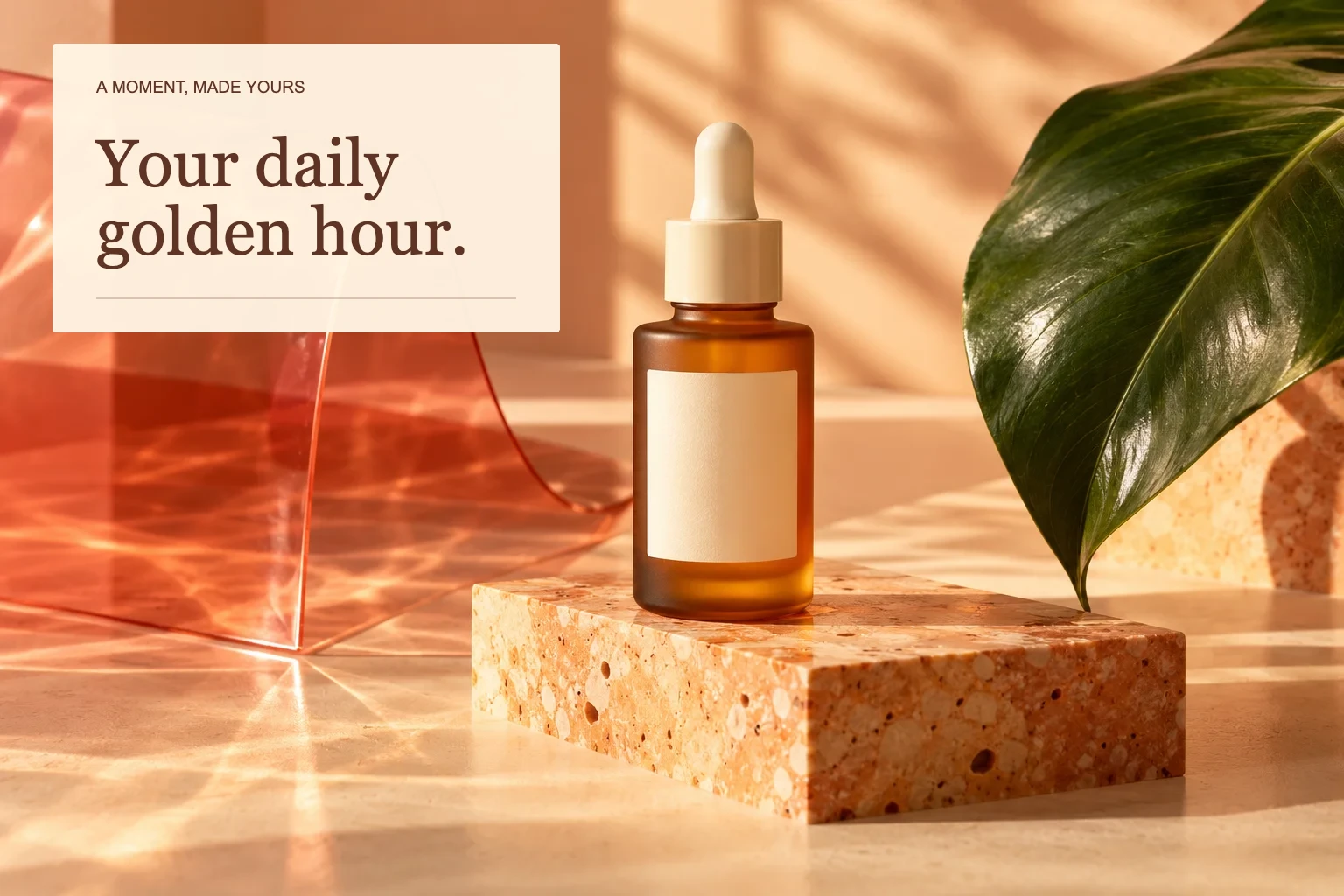
Bring a Canva Craft image you downloaded, or any photo you own, into our editor. Add a headline, adjust the layout and arrange text, shapes and images on separate layers.
Change the crop, colors and typography without regenerating the picture. The comparison shows the same original image before and after a real edit in our workspace. Open the design to move its elements yourself, then export a PNG or JPEG at your chosen size.
Product photos & social content
Build a visual for your store, campaign or next post. Describe the material, light and mood; leave space for your message. Use a supported reference image to guide product details, then check the result before publishing.
Add editable text to keep your headline easy to proofread and revise. Start with this social design, or choose a template for a square post, vertical story or presentation cover.
AI image inspiration
Try these original briefs as Canva Craft prompts in Canva, or adapt them to an available model here. Change the subject, lighting and framing to fit your project; results vary by model.
An unbranded amber skincare bottle on apricot stone, coral glass and a single green leaf. Warm window light, tactile materials, refined editorial product photography. Leave room for a short headline.
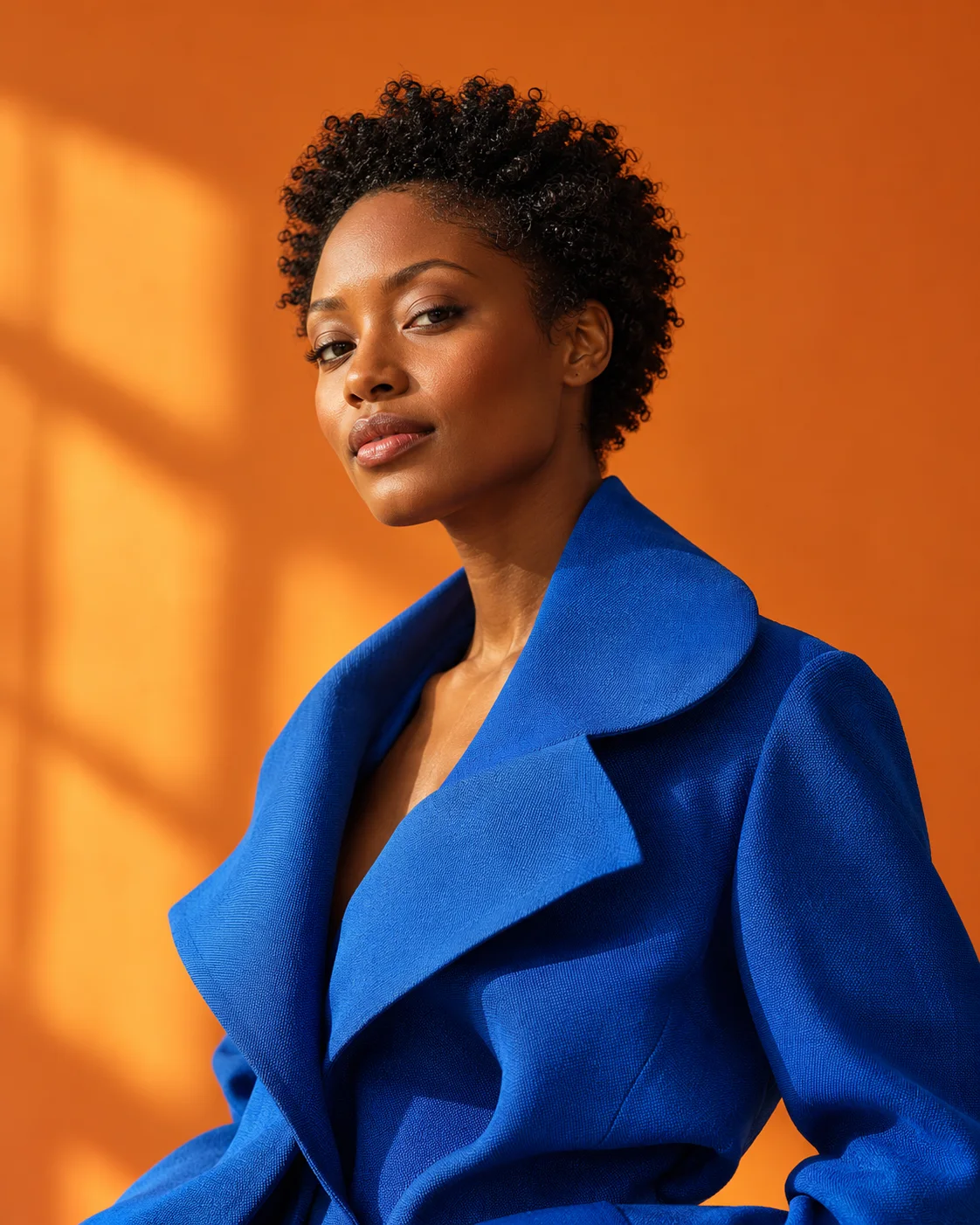
An adult woman with short natural curls wearing a sculptural cobalt blue jacket against a warm orange studio backdrop. Confident editorial portrait, natural skin texture, soft directional sunlight.
White Mediterranean arches frame a deep blue sea. Terracotta steps lead to a curved pale pink pool, with a lemon tree in a clay pot. Architectural photography, tactile plaster, graphic summer shadows.
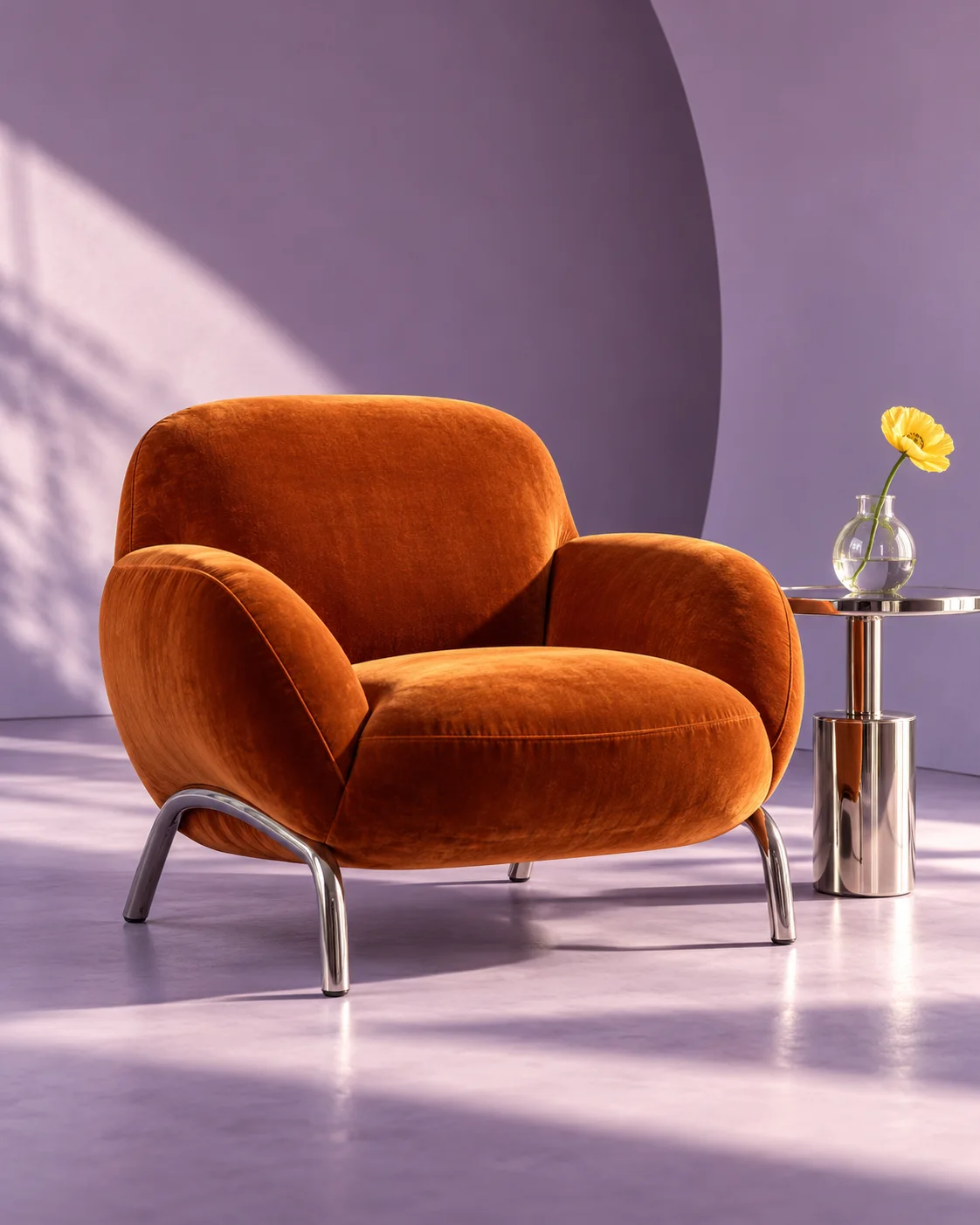
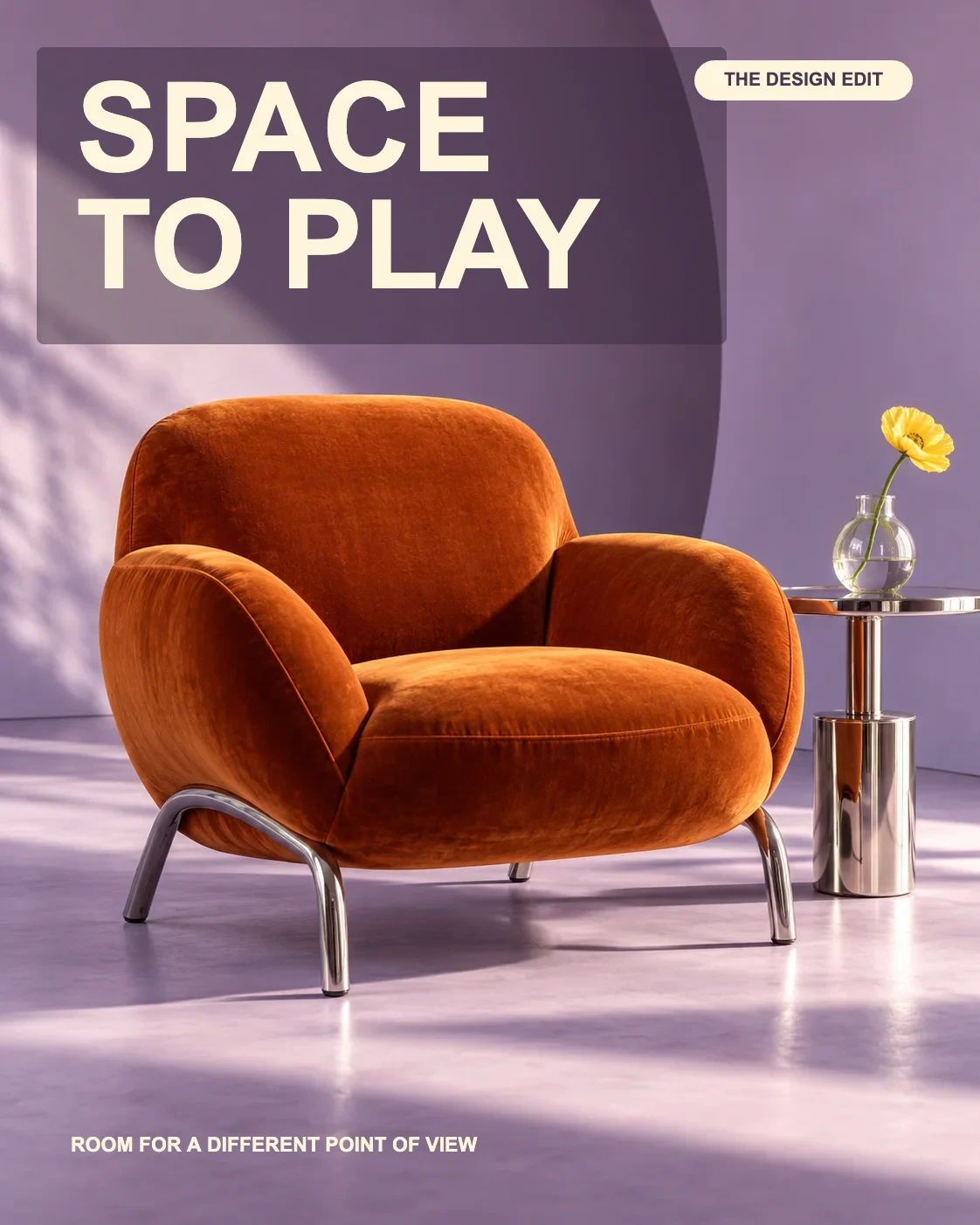
A sculptural orange velvet lounge chair and chrome side table in a lavender studio. One yellow flower, oblique sunlight, tactile upholstery. Full product visible, contemporary design magazine photograph.
Original concept images made for this site, not generated with Canva Craft. Use the prompts as starting points, not predictions of what a particular model will produce.
Getting started
Go from an idea to an image, then finish the details in the editor. You choose when to generate, which result to keep and how to use it.
Local editing uses no generation credits. Projects save in this browser.
The editing step in action: change a headline, move a layer and export a real design.
Design templates
Change the headline, move the shapes and add your own imagery. Each original template opens as a new editable project in this browser.
Canva Craft guide
Canva Craft is an image model that plans a composition before rendering it. Canva’s announcement describes output up to 2K, more than 30 aspect ratios and text in 55 languages. Access is through Canva and its public API.
To try Canva Craft, open Dream Lab in Canva. Specify your format, subject and exact words, then describe placement, light and color. Check your Canva account for current availability and allowances.
Looking to edit a Canva Craft image? Download it from Canva and upload the image here. Our editor adds new text and shapes; it does not recover layers from a flattened image or connect to your Canva account.
Read the official Canva Craft introduction Source reviewed October 24, 2026. Availability may change.Image compositionPlans and credits
Choose a monthly credit allowance or a one-time pack. Explore the available models and review the quote before you generate; different settings use different amounts. Editing locally does not spend generation credits.
$29.90/ month
350 credits per month
A smaller budget for exploring ideas and finding a visual direction.
Purchases coming soon$49.90/ month
600 credits per month
More room for regular content, product visuals and creative experiments.
Purchases coming soon$99.90/ month
1,250 credits per month
A larger allowance for an active creative workflow across image and video.
Purchases coming soonPrefer a single purchase? Credit packs start at $39 for 400 credits. Monthly subscriptions renew automatically; manage or cancel in Billing. See current availability, credit terms and refund eligibility before purchasing.
Help and support
From Canva Craft to your first design, here is what to expect. For help with an account, credits or a generation, visit our support page.
Visit supportCanva Craft is Canva’s image generation model, built around design composition, imagery and readable text. Canva describes a planning stage followed by a rendering stage. This independent website explains the model and provides a separate creative workspace; our generator does not run Canva Craft.
Use Canva Craft in Canva Dream Lab or through Canva’s public API. Access and allowances depend on your Canva account. An account or subscription here belongs to CanvaCraft AI and does not unlock Canva features, transfer Canva credits or connect the two services.
Start with the subject and purpose: a product photo, campaign poster or social visual. Specify the format, composition, lighting and colors. Put any exact headline in quotation marks and describe where it belongs. Adapt our original prompt ideas to your brief, then check the text and details in the result.
Yes. Templates, text, shapes, image uploads, local project saving and PNG or JPEG export do not consume generation credits. Your editable projects stay in this browser rather than syncing to an account. Download a project JSON backup for important work, especially before clearing browser data or changing devices.
Monthly plans allocate credits after confirmed payment; one-time packs add credits without a recurring subscription. Each generation has a quote based on the selected model and settings. Review it before submitting. Pricing shows current purchase availability. Canva Craft access and billing are managed separately by Canva.
A submitted task reserves its quoted credits. Successful tasks settle that reservation, and a confirmed failure releases it. If the provider’s outcome is still unknown, credits remain reserved while the task is checked. Follow the existing task status instead of repeatedly submitting the same request.
Account generations and their downloadable files use owner-authorized access. Your library is not a public gallery. Local editor projects are stored on this browser and can be downloaded as backups. The public images on this page are original illustrative concepts, not shared customer projects or proof of a particular model’s output.
Check the selected model’s terms and the rights to your input images, fonts, products and people. Proofread names, prices and other factual details before publishing. This workspace does not grant rights to third-party brands or content, and an AI-generated image alone does not establish that every depicted element is cleared for use.
Create an image, open a template or edit a photo in your workspace.
Start creating